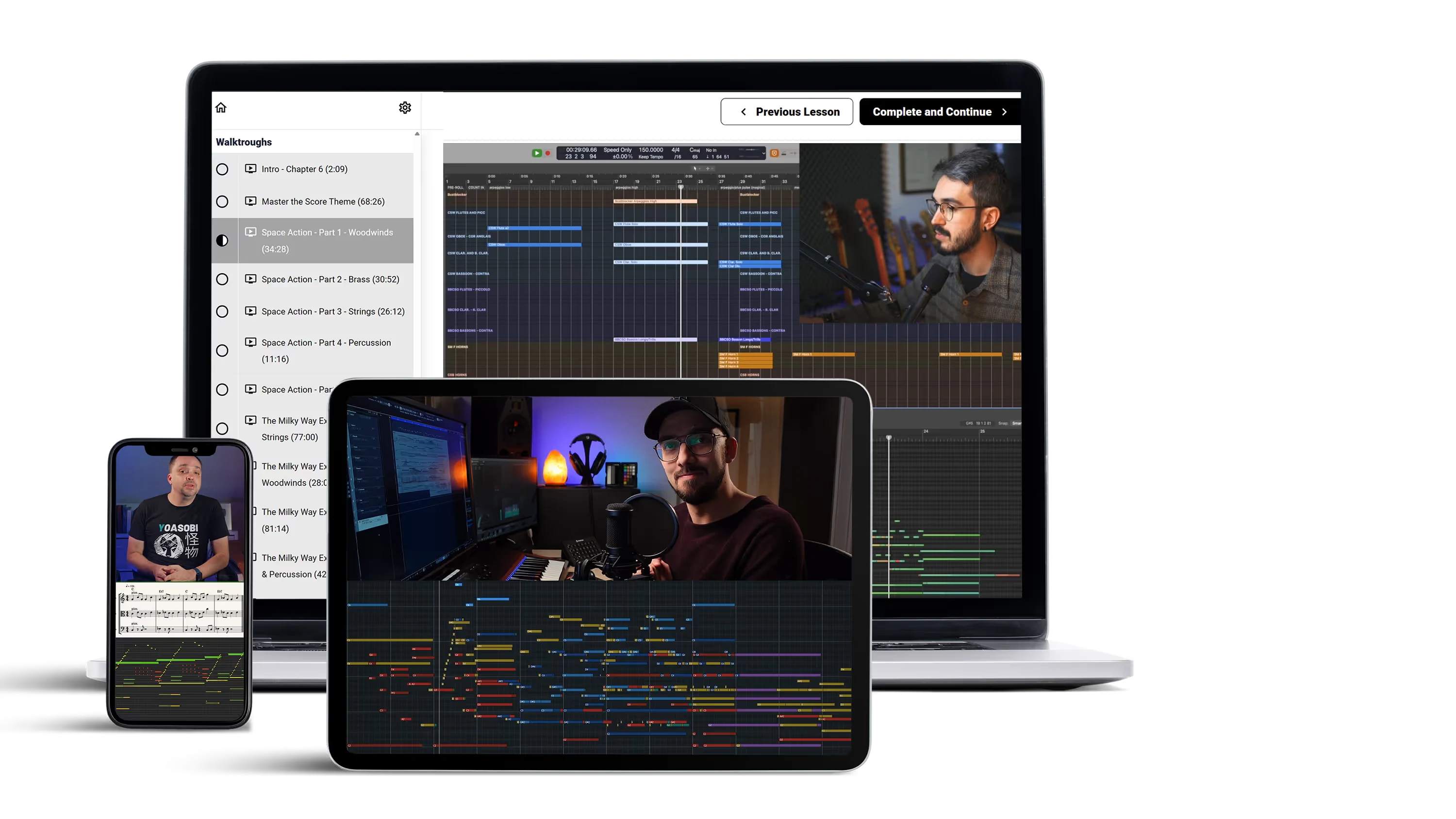



Build a Professional Orchestral Template
Build a professional, fully optimized orchestral template for film, game, and trailer music—designed to improve both workflow and sound.

Create Stunning, Orchestral Mockups
Learn how to create a professional orchestral soundstage using EQ, panning, and reverb. Refine your template so your mockups sound balanced, polished, and production-ready.

Boost Your Workflow and Efficiency
Create a seamless, efficient workflow with an optimized, well-organized DAW, samplers, and virtual instruments — built for fast access and focused composing.
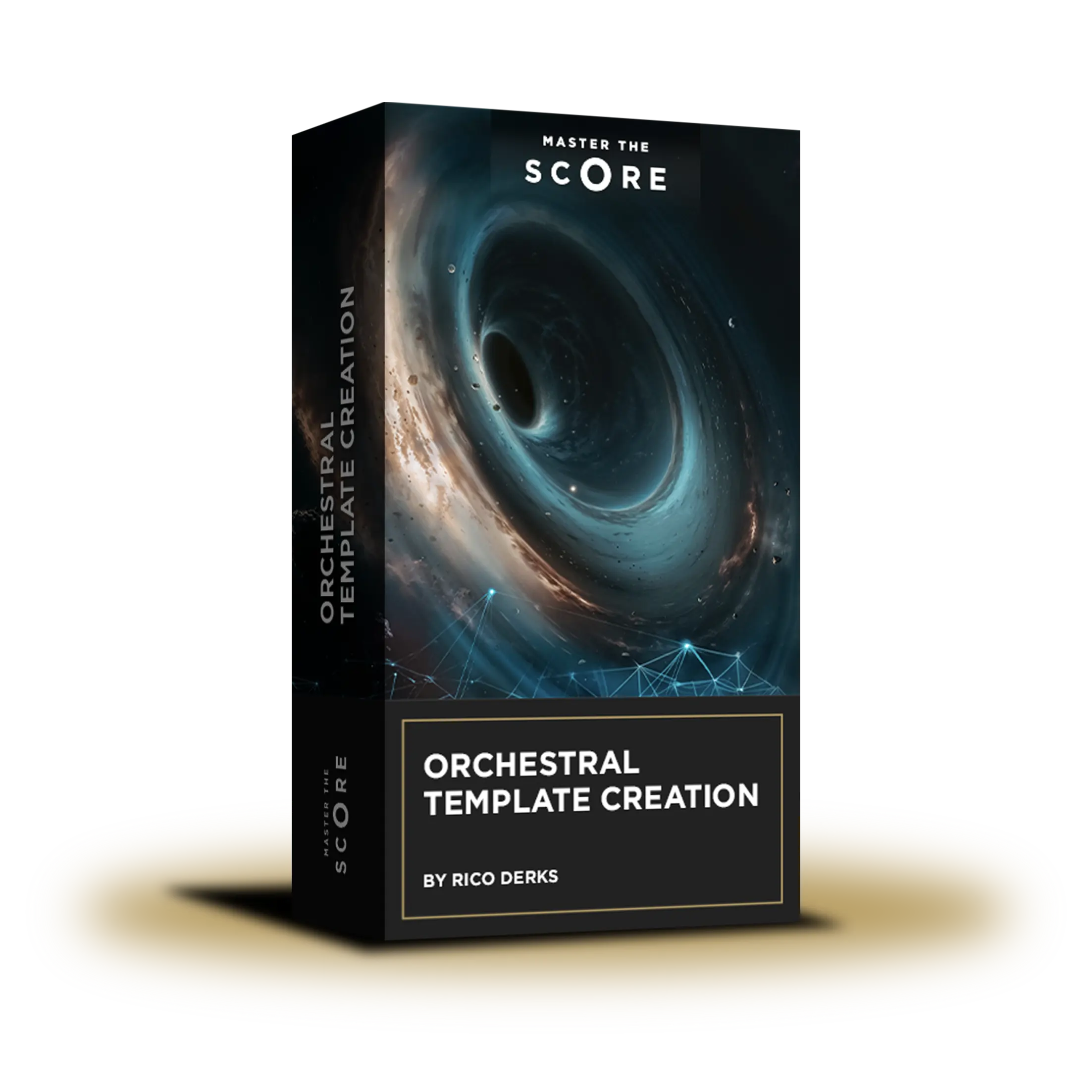
Orchestral Template Creation | Music Production Online Course
Following the success of The Virtual Orchestra, which helped hundreds of composers improve their orchestral mockups, we’re proud to present Orchestral Template Creation by Rico Derks, created in collaboration with Master The Score founder, Nikolaus Daim.
In this course, you’ll learn how to build a professional, fully optimized orchestral template that improves workflow, clarity, and overall sound. Across more than eight hours of in-depth training, Rico guides you through the complete process—from planning and DAW setup to sampler configuration, routing, and mixer design.
You’ll also learn how to shape balance, depth, and realism using panning, EQ, and reverb, creating a clear, immersive orchestral soundstage that translates across projects. The course uses EastWest (Opus Edition) and Cinematic Studio Series to demonstrate how multiple publishers can be integrated into a single, cohesive template. While Cubase is used as an example, the focus is on core principles that apply to any DAW or library.
As a bonus, you’ll receive all MIDI files from Rico Derks’ orchestral piece Exploring the Cosmos, allowing you to study the composition, orchestration, and template usage in detail.
Rico Derks
Rico Derks is a Dutch composer. He started out as a trainee at Cosmic Orchestra, from composer Mark Pütz. His music has been used for various TV shows, documentaries, and feature films. Besides being a professional film composer, Rico is a genius when it comes to mockup production. In 2023 he joined Master the Score and teaches you everything about orchestral programming in his course "The Virtual Orchestra".
Check out the Trailer
Your Path to Professional Orchestral Templates
The course is divided into the following chapters:
This course is divided by the following steps:
Chapter 1
Before writing a single note, we step back and define the framework that will support everything you compose. In this opening chapter, you’ll discover what an orchestral template really is—and why a well-planned template can completely change how fluid, focused, and enjoyable your writing process feels.
Instead of reacting to technical problems as they appear, you’ll learn how to plan ahead: choosing the right structure, understanding signal flow, and organizing your orchestra in a way that reflects the sound you want to achieve. This chapter connects technical decisions directly to musical intent, so your template doesn’t just work—it serves your music.
Chapter 1 is about clarity and confidence: knowing what you’re building, why you’re building it, and how it will support you long-term.
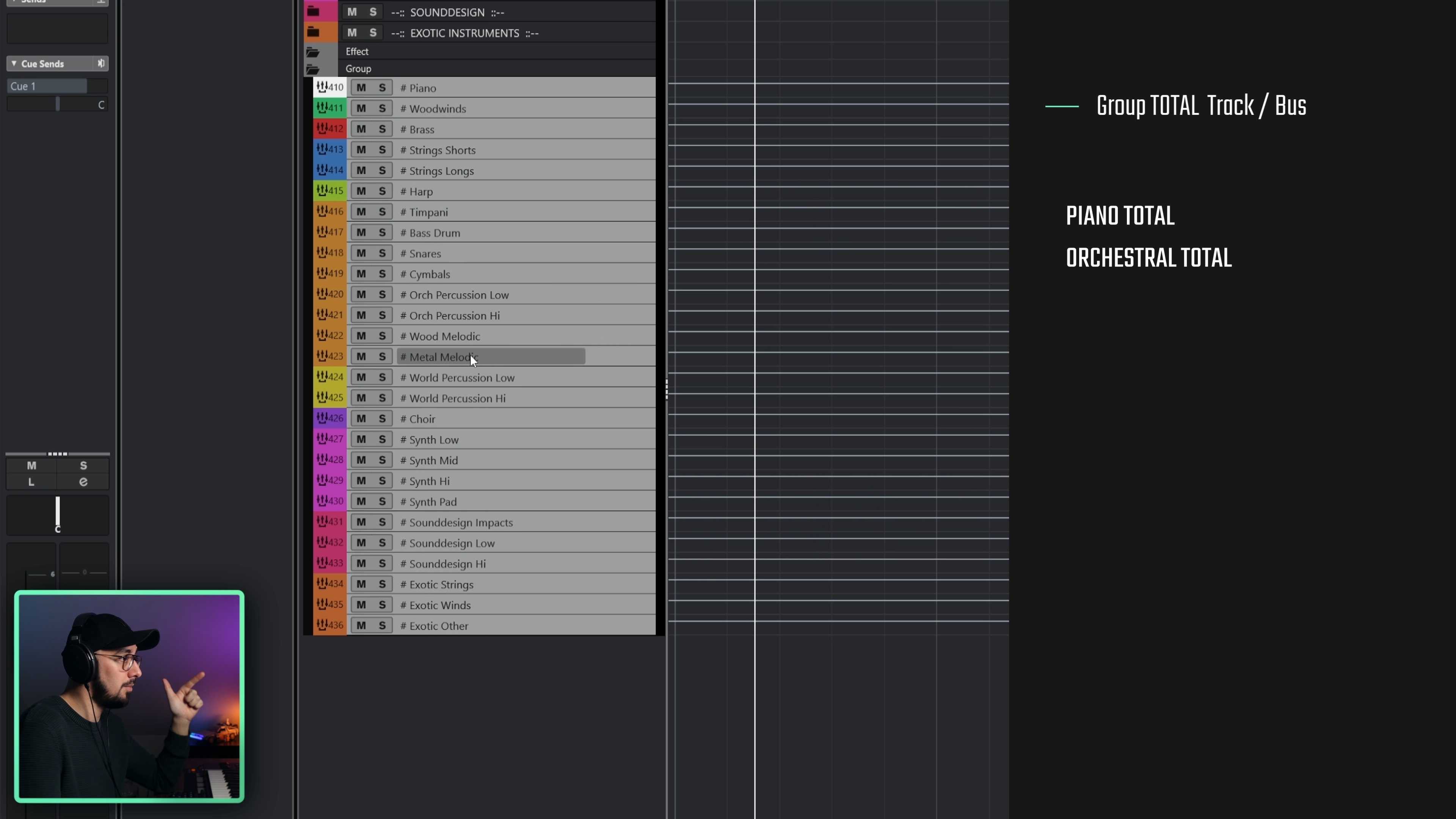
- What a template really is
- Planning ahead for speed
- Smart instrument choice
- Articulation approaches
- Clean signal flow
- Defining your orchestral sound
Chapter 2
With a clear vision in place, it’s time to turn ideas into a working orchestral template. In this chapter, you’ll build the technical backbone of your setup: configuring your DAW, loading instruments efficiently, and setting up samplers so everything responds quickly and predictably.
We’ll walk through different track approaches, expression map setups, and organizational strategies that keep even large templates clear and flexible. By the end of this chapter, your template will be fully playable, well-structured, and ready for real composing—not just technical testing.
Chapter 2 is about turning structure into action and creating a template that feels solid, responsive, and easy to work with from the very first cue.

- DAW and project setup
- Instrument vs. MIDI track workflows
- Sampler and instrument loading
- Expression map setup
- Organizing tracks clearly
- Creating group tracks
Chapter 3
With the core template in place, this chapter is where your orchestra truly comes to life. We shift from setup to sound, focusing on how to shape depth, width, and balance so your template feels musical and inspiring the moment you press play.
You’ll learn how to approach pre-mixing, reverb, panning, and EQ as integral parts of the writing process, supported by clear concepts and hands-on demonstrations. Step by step, we’ll build a coherent soundstage that translates across articulations, sections, and musical styles—giving you control while preserving a natural orchestral feel.
Chapter 3 is about creating an orchestral space that feels balanced, intentional, and ready for real-world composing.
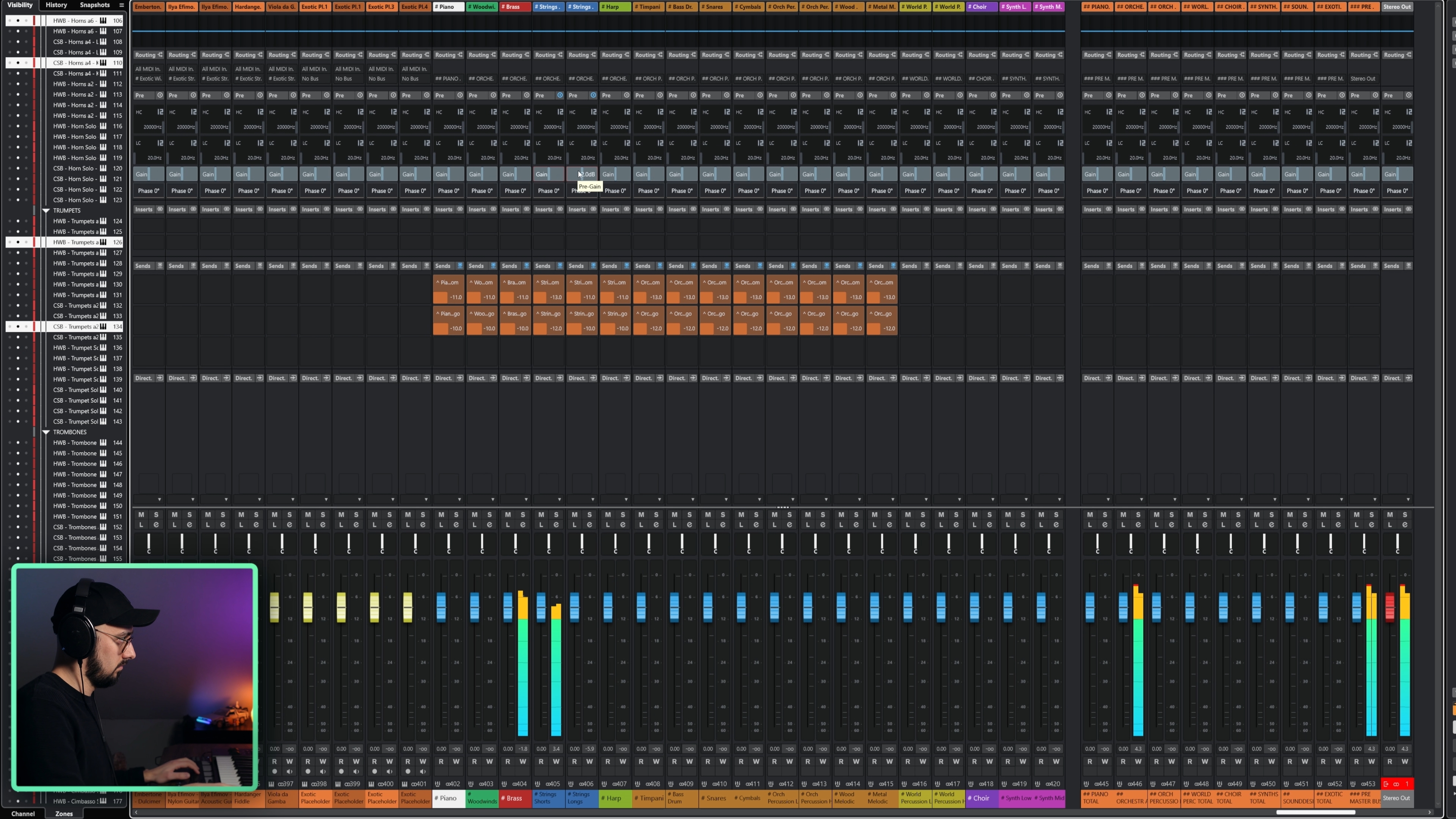
- Pre-mix and soundstage
- Reverb types and routing
- Inserts vs. sends workflows
- Balancing sections and articulations
- Panning and orchestral depth
- Musical EQ foundations
Chapter 4
In the final chapter, we bring everything together and focus on long-term usability. You’ll learn how to test your template in real musical situations, fine-tune details, and lock in a setup that stays reliable across projects.
We’ll also look beyond the template itself—how to save versions, revisit decisions, and keep your orchestral setup evolving alongside your music. To wrap things up, you’ll explore practical examples, musical demos, and next steps to help you move forward with confidence.
Chapter 4 is about consolidation and momentum: turning your template into a trusted creative tool and knowing exactly where to go next.
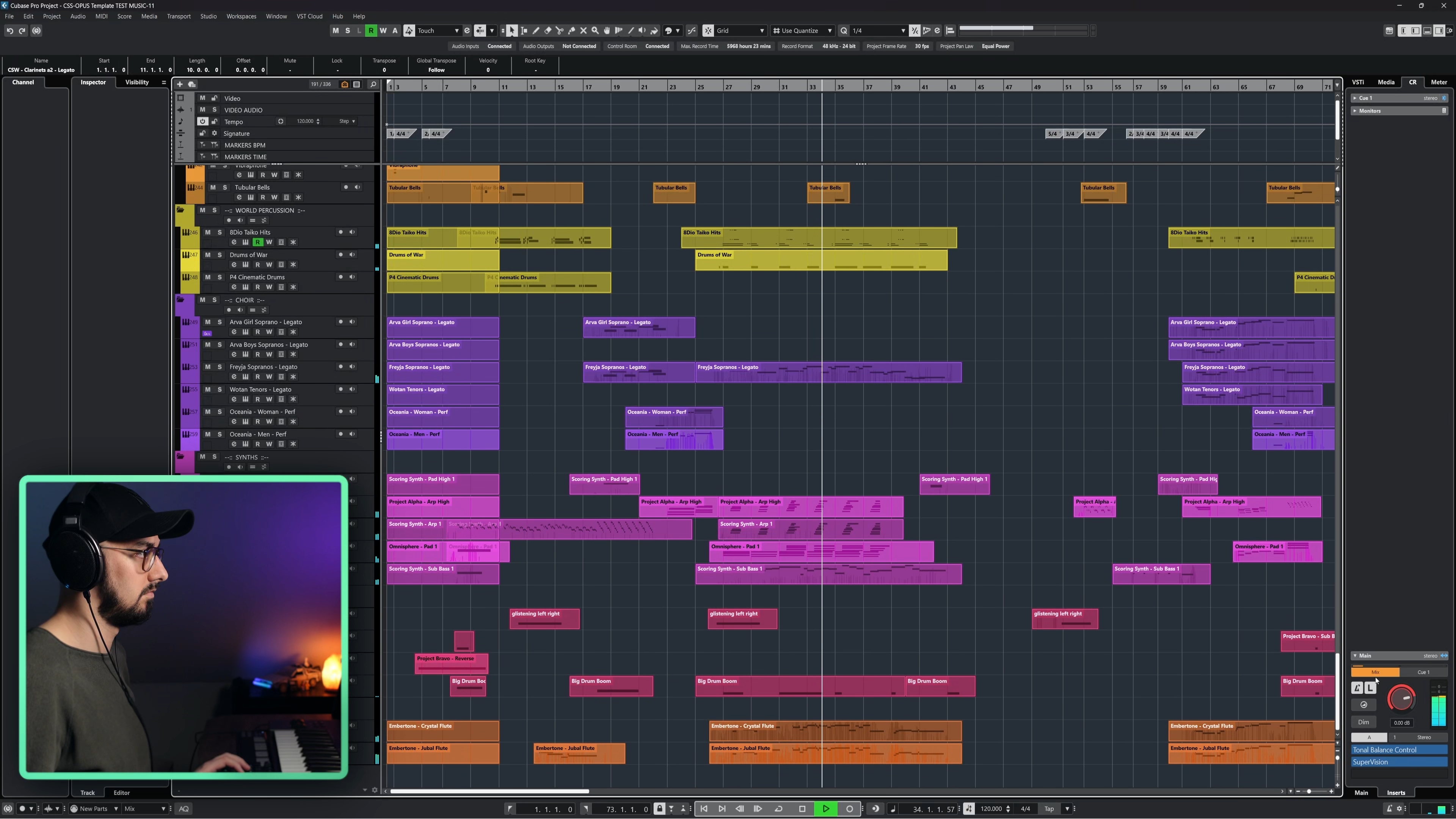
- A reliable test-and-refine workflow
- Smart saving and versioning
- Final template checks
- Real musical demos and walkthroughs
- Using MIDI to explore orchestral ideas
- Resources and next steps
Course Curriculum
Walkthroughs


.webp)